Environment Manager
The Environment Manager owns the "spin up a local database" loop end to end, so you never hand-write or edit a docker-compose.yml file.
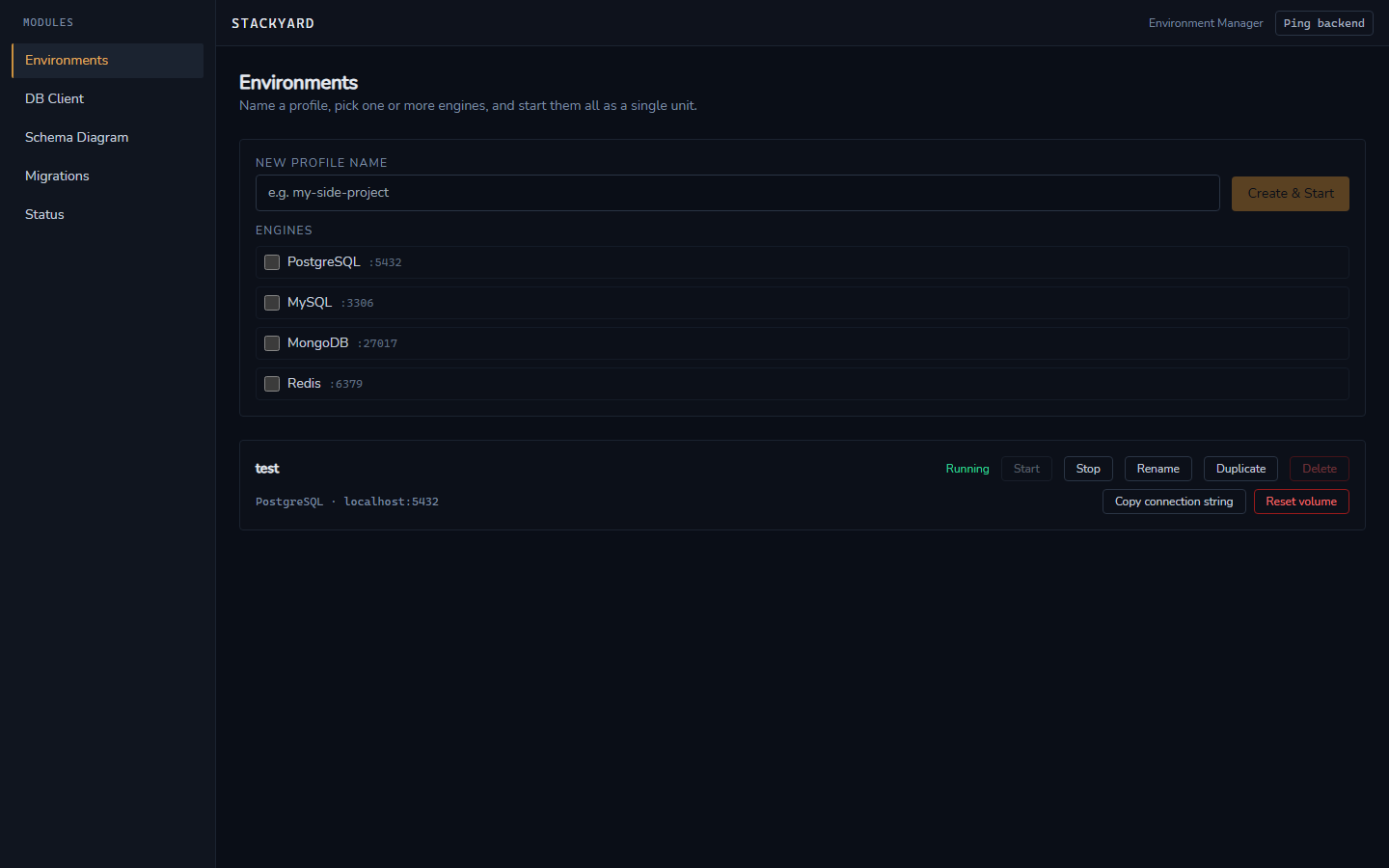
Profiles
A profile is a named, reusable set of services — any combination of PostgreSQL, MySQL, MongoDB, and Redis, each with its own image/version, host port, credentials, initial database/schema name, and volume. Profiles persist locally and survive an app restart; they can be duplicated, renamed, and deleted.
One-click lifecycle
Starting a profile that has never run before creates the required Docker resources — network, named volumes, containers — automatically, equivalent to an implicit docker compose up -d, but no compose file is ever written to disk. For an already-configured profile, the full flow is: select profile → click Start. Port conflicts are detected before start and surfaced with a suggested free port instead of a raw Docker error.
Connection strings
Every running service gets an auto-generated connection string in its engine's canonical URL format (postgres://, mysql://, mongodb://, redis://). One click copies it to the clipboard, with an inline confirmation.
Volume / data reset
"Reset data" on a single service stops it, removes only its volume, and recreates it fresh on next start — sibling services in the same profile keep running throughout. The action requires explicit confirmation since it's destructive and irreversible.
Real-time status
A live dashboard shows every managed container across all profiles: state, mapped port, CPU %, and RAM usage, refreshed continuously — including containers started or stopped outside the app (e.g. via Docker Desktop or the CLI directly).